

A phone or tablet setup works best when protection, charging and everyday use are planned together. A bulky case can interfere with accessories, while an unsuitable charger can add clutter without improving convenience. Device owners can explore ESR Tech (UK) for cases, screen protection, magnetic charging and tablet accessories while checking compatibility at every step.
Protect the Areas Most Likely to Be Damaged
The case should match how the device is used. A commuter who keeps a phone beside keys and travel cards may need stronger edge protection than someone whose device stays on a desk. Raised edges can help protect the screen and camera when the phone rests on a flat surface, while reinforced corners may reduce damage from an ordinary drop.
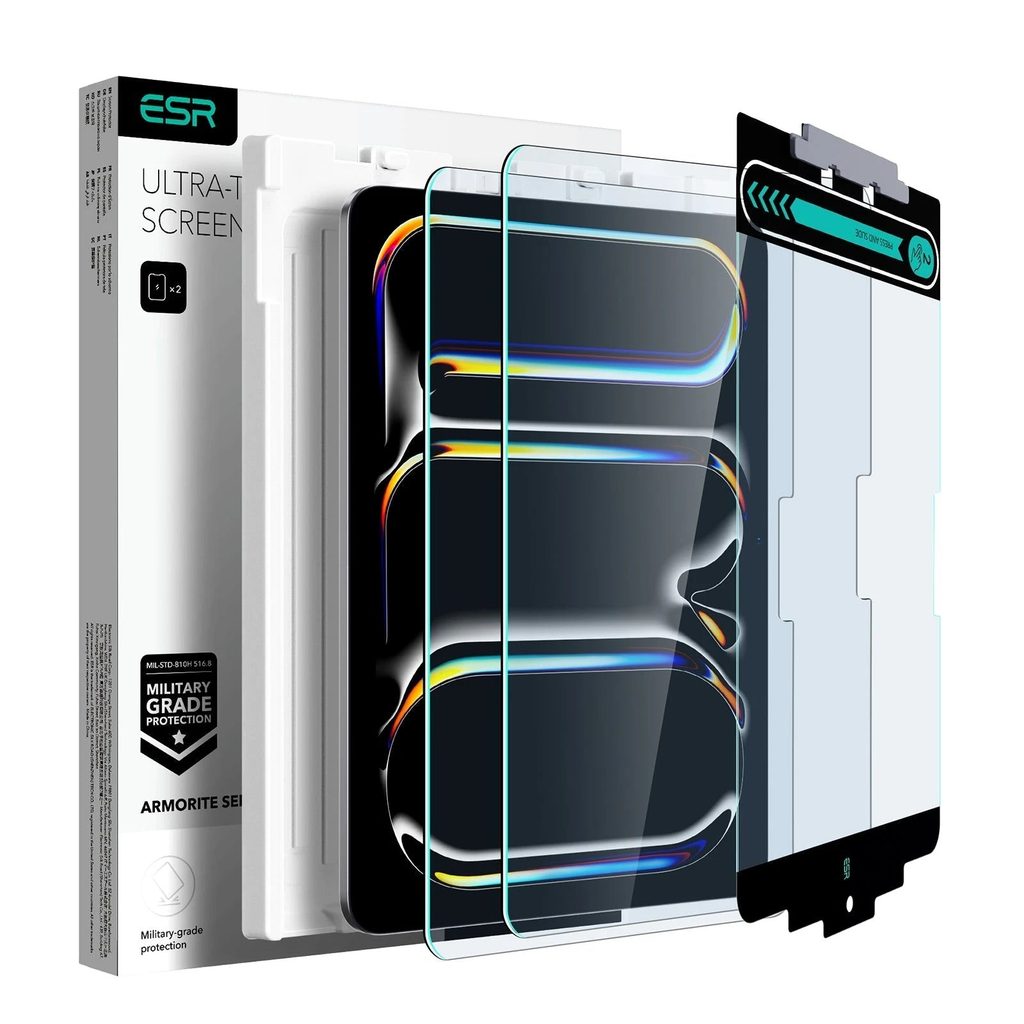
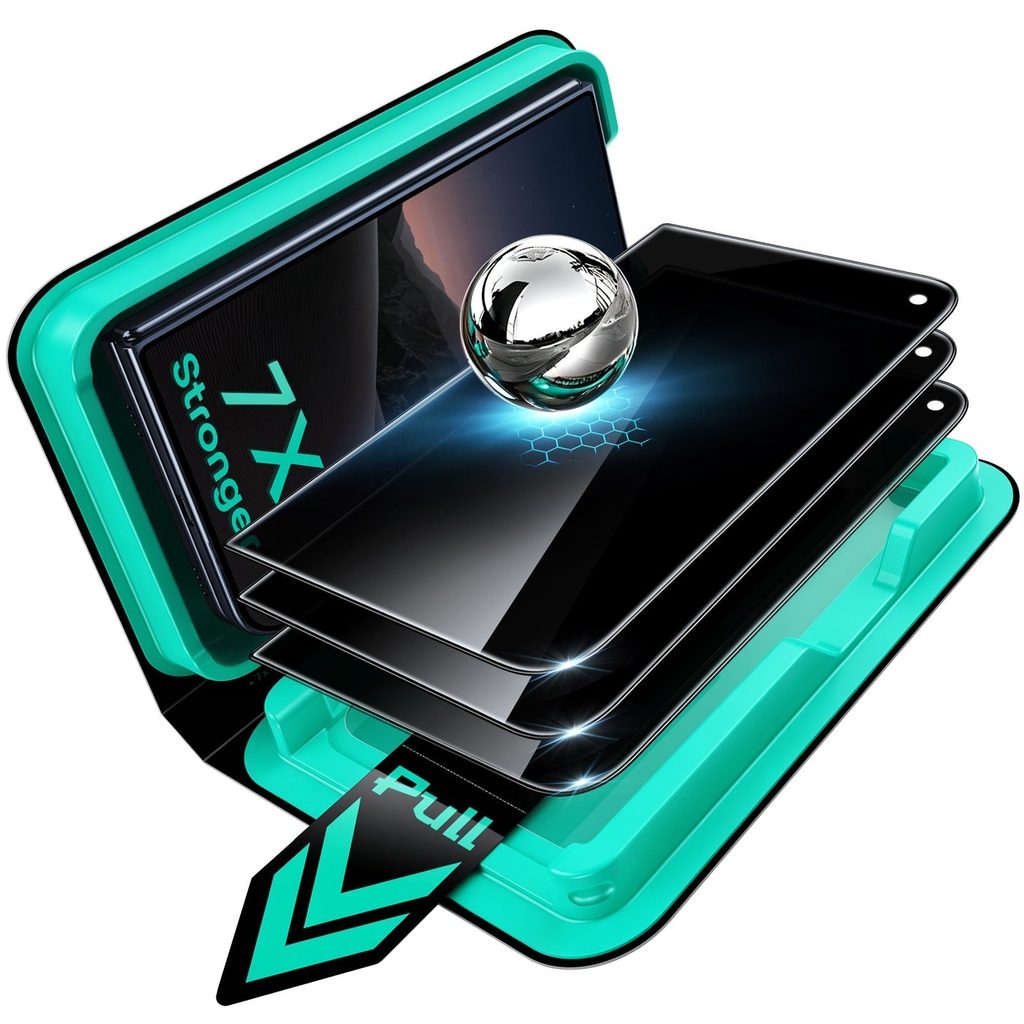
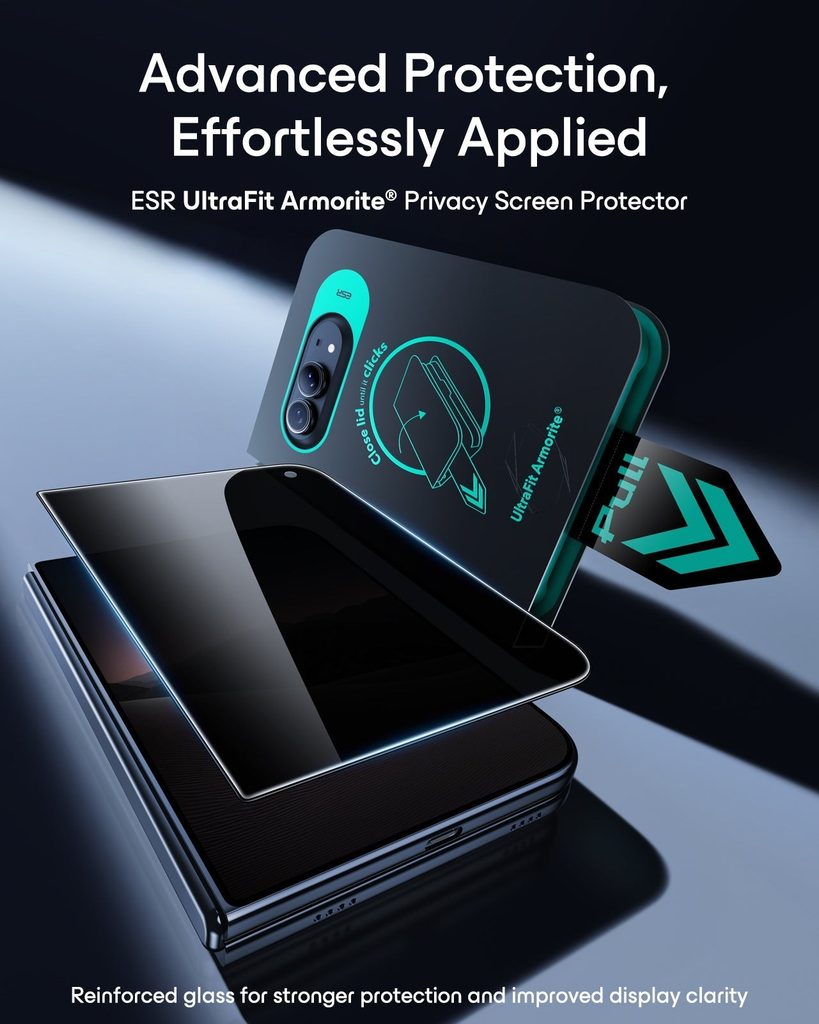
Screen protection should be chosen for the display and the user’s priorities. Clear glass preserves appearance, privacy filters limit side viewing and paper-feel surfaces can make a tablet more comfortable for writing. Each option changes the experience slightly. The user should decide whether clarity, privacy or texture matters most before applying the protector.
Owners can review ESR Tech (UK) by device model and compare cases, screen protectors and camera lens protection designed for the exact version. A product made for a similar-looking model may cover a microphone, misalign with the camera or interfere with buttons. Model names and screen sizes should be confirmed in the device settings or original documentation.
Installation quality affects the result. The screen should be cleaned in a low-dust area and the protector should be aligned before firm pressure is applied. A case should sit evenly without lifting the protector at the edges. If the device already has damage, covering it does not repair the underlying problem and professional assessment may be needed.
Build Charging Around Real Habits
Charging equipment should reduce repeated cable changes. A multi-device station may suit a bedside table or desk where a phone, earbuds and watch are charged together. A simple magnetic pad may be better for someone who already owns separate chargers. The setup should have enough power outlets without creating a chain of overloaded adaptors.
Magnetic charging depends on alignment and compatible hardware. A case should support the relevant charging system and remain thin enough for a stable connection. The owner should check whether a stand holds the phone at a useful viewing angle and whether the device stays secure when touched. Convenience disappears when the phone slides or charging repeatedly starts and stops. Thick cards, metal attachments and poorly aligned rings can also interfere with a stable magnetic connection, so the complete setup should be tested together.
Someone comparing accessories through ESR Tech (UK) can consider foldable travel chargers, desk stations, magnetic wallets and protective cases as one connected system. The best combination should allow the case to stay on during charging and should not block the camera or controls. Buying each accessory separately without a compatibility plan can create avoidable returns.
Heat should be monitored during charging. Warmth can be normal, but excessive heat, damaged cables or a burning smell requires the charger to be disconnected safely. The owner should use suitable power adaptors and follow device guidance. Chargers should remain away from bedding, water and enclosed spaces that trap heat.
Checks for a Compatible Device Setup
A few checks prevent protective and charging accessories from competing with one another.
- Every accessory should match the exact phone, tablet, watch or earbud model.
- The case should protect edges and cameras without lifting the screen protector.
- A device owner can explore ESR Tech (UK) while checking magnetic charging and stand compatibility.
- Charging equipment should use an appropriate adaptor and remain well ventilated.
- Travel accessories should reduce cable clutter without adding unnecessary weight.
Adapt the Setup for Work and Travel
Tablet users may benefit from a keyboard case when the device regularly handles email, writing or study. The hinge should support several viewing angles and the keyboard should remain comfortable for the amount of typing expected. A detachable design can provide flexibility when the tablet also needs to stay light for reading or drawing.
Travel changes the priorities. A foldable charger can replace several plugs, while a stronger case may protect the phone in crowded bags. Cables should be labelled or kept in a small pouch so they do not become tangled with keys. A portable battery can support long journeys, but it should comply with transport rules and remain protected from damage.
The setup should be reviewed when the device changes. Old accessories may look reusable but fail to align with a new camera, button or charging standard. Passing compatible items to another user or recycling them responsibly is better than forcing them onto unsuitable hardware. The new device should not be exposed while the owner waits for protection.
A coordinated accessory system makes the device easier to use and protect. Owners who have confirmed the model, charging needs and working environment can explore ESR Tech (UK) and select products that function together rather than collecting unrelated extras.


Leave Your Comment