

A portable WiFi hotspot can provide one shared connection for phones, tablets and laptops when fixed internet is unavailable or public networks feel unreliable. The value comes from careful data planning, battery management and realistic coverage expectations. Travellers and remote workers can explore GLOBLINKER while deciding whether a dedicated hotspot suits their routes and devices.
Decide Which Devices Actually Need the Connection
A hotspot is most useful when several devices need data at the same time. A traveller may use a phone for maps, a tablet for entertainment and a laptop for work. A family may want one connection instead of arranging separate roaming options for every person. The expected device count should be listed before the plan is selected because shared use can consume data quickly. Work laptops may also have background security tools or synchronisation services that use more data than a personal phone during the same period.
The type of activity matters as much as the number of devices. Messaging, email and maps usually use less data than video calls, cloud backups and high-definition streaming. Automatic app updates can also consume data without attracting attention. Devices should be configured before travel so nonessential downloads wait for a trusted fixed connection.
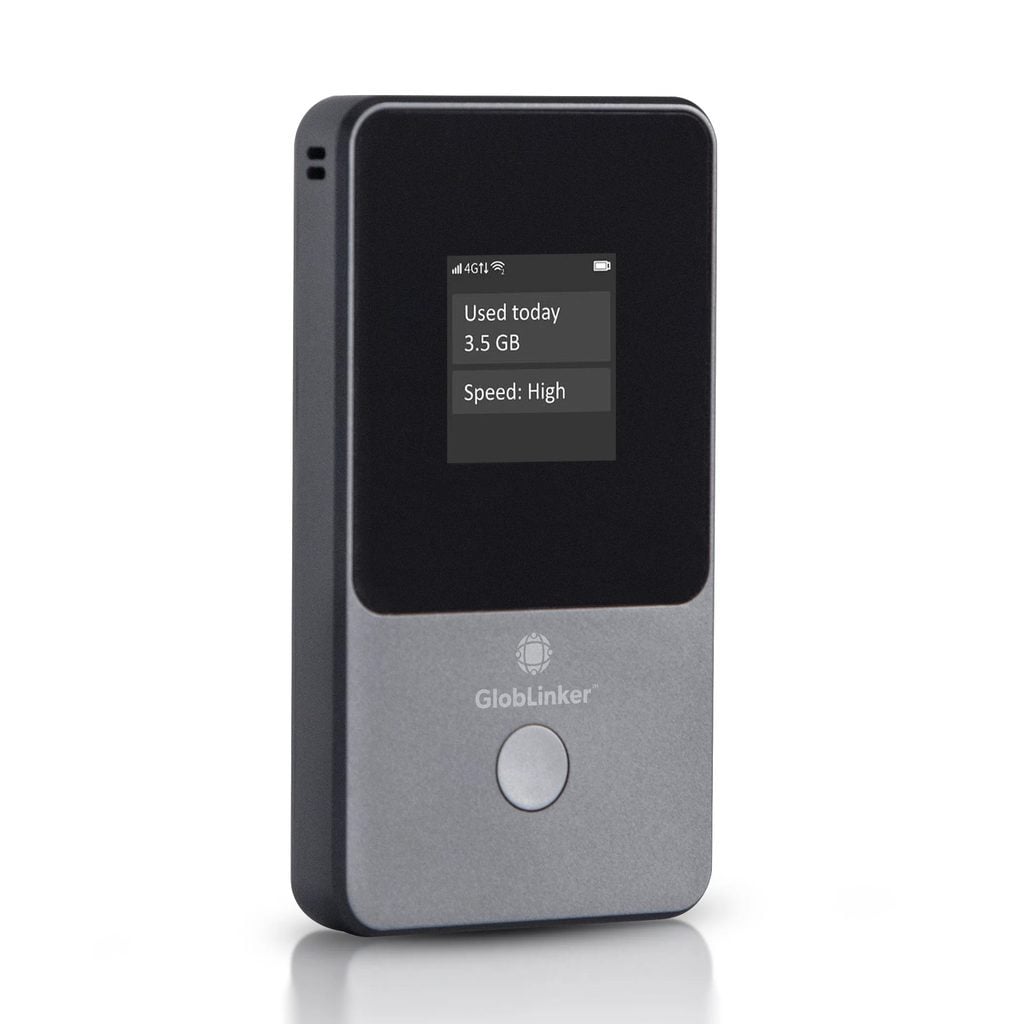
People can explore GLOBLINKER for a dedicated hotspot designed to connect with mobile networks across multiple destinations without relying on a physical SIM in the usual way. Coverage should still be checked for the intended countries and regions. No mobile product can guarantee a strong signal in every building, rural area or crowded location.
A dedicated hotspot can reduce dependence on a phone’s battery and personal hotspot setting. It also allows the phone to remain available for calls, photography and navigation. The benefit is strongest when the extra device replaces several separate connectivity problems rather than becoming another gadget carried without a clear role. Setup should be completed at home so account access, password changes and device pairing are familiar before the first journey.
Plan Data and Battery Before the Journey
Data should be estimated from real habits. A remote worker who joins video meetings needs a different allowance from a traveller who checks maps and messages. Usage dashboards can help, but the user should also understand when a plan activates, how long it remains valid and what happens when the allowance is reached.
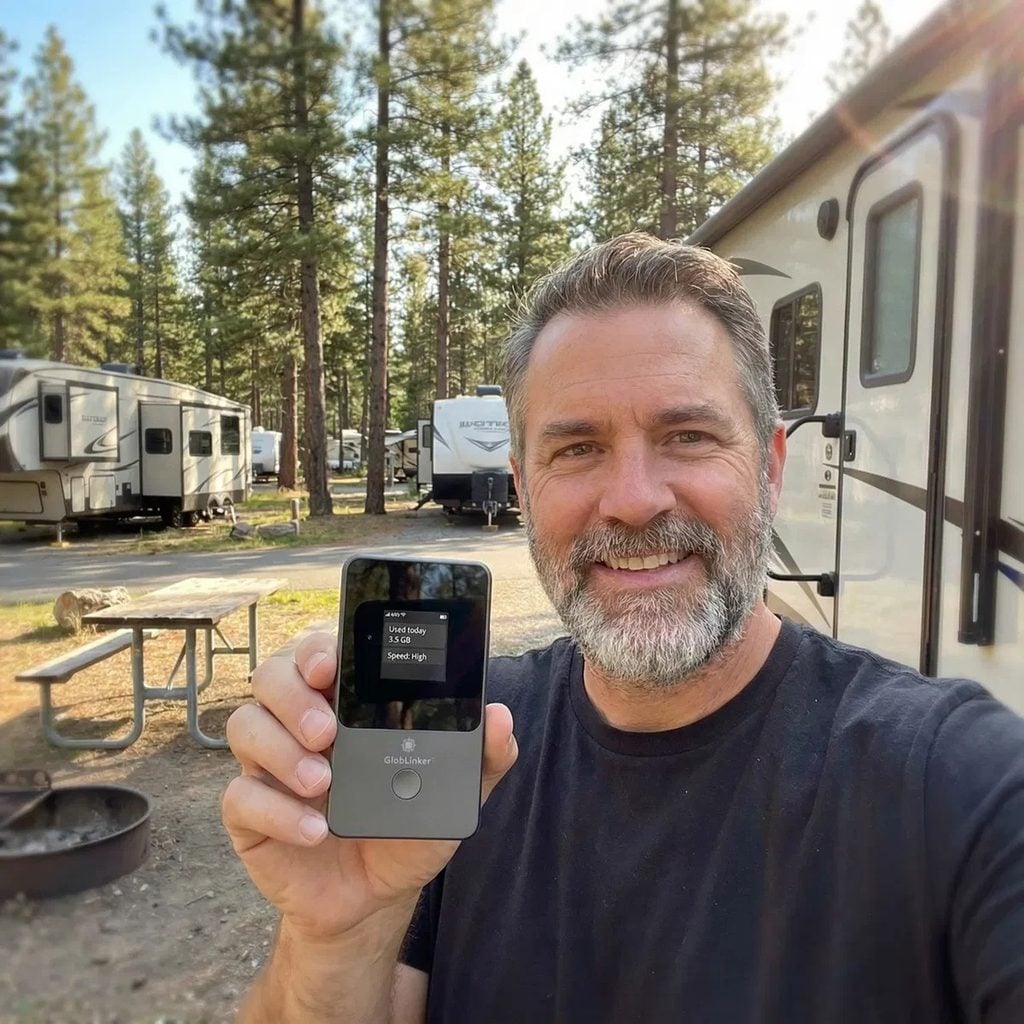
Battery planning is equally important. The hotspot should be charged before departure and the cable should stay accessible rather than buried in checked luggage. A suitable power bank may support long travel days, but the user should follow transport rules for batteries and protect the device from heat, moisture and impact.
Someone considering GLOBLINKER should review supported locations, data management and the number of simultaneous connections before relying on it for work. Important files should still be available offline because coverage can change. A presentation, ticket or booking reference should not depend on a single live connection. The user should also test whether required work applications function through the hotspot because employer security settings can affect remote access.
The hotspot should be positioned where it receives the best available signal. A bag pocket surrounded by other electronics may perform differently from an open desk near a window. The user should avoid leaving it in direct sun or an unattended vehicle. Heat can reduce battery performance and may damage electronic equipment.
Checks for Reliable Portable Connectivity
A short preparation list makes the hotspot more useful when the journey becomes busy.
- The user should confirm destination coverage before depending on the device for essential work.
- Automatic updates and cloud backups should be limited when the data allowance is controlled.
- A traveller can review GLOBLINKER while comparing supported regions, shared device capacity and data options.
- The hotspot, charging cable and power bank should remain together in accessible hand luggage.
- Critical documents should be downloaded in advance in case the mobile signal becomes unavailable.
Use the Hotspot as a Private Working Tool
A personal hotspot can reduce exposure to open public WiFi, but security still depends on proper settings. The network should use a strong password and the default credentials should be changed when the product allows it. Connection details should be shared only with trusted users because every additional device affects security and data use.
The user should disconnect unfamiliar devices and review the management portal regularly. Software updates for the hotspot should be installed through an appropriate connection. Sensitive work may also require a company-approved virtual private network or other security controls. A portable connection does not replace an employer’s information security policy.
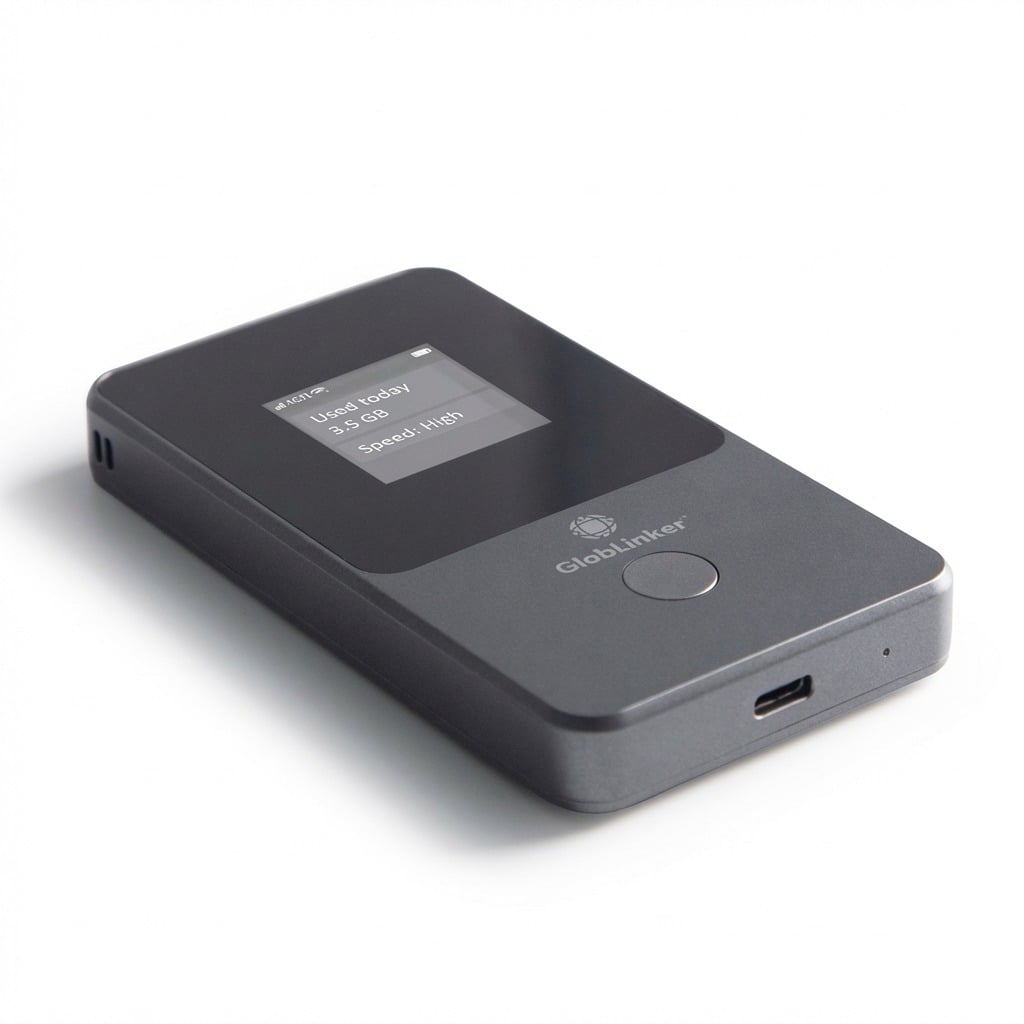
The device can support more than international travel. It may provide backup connectivity during a fixed broadband interruption, at a temporary workspace or in a vehicle during an authorised stop. It should not distract a driver and should be positioned so cables do not interfere with controls or movement.
Portable internet is most valuable when expectations remain realistic. Travellers who have planned data, battery and offline access can explore GLOBLINKER and decide whether one shared hotspot offers a cleaner solution than several separate connections.



Leave Your Comment