
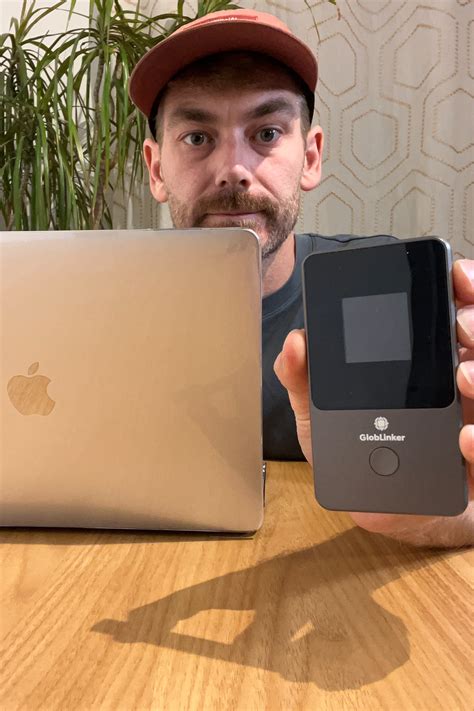
Remote work becomes difficult when internet access depends on one connection. Hotel Wi-Fi can be congested, a phone hotspot can drain battery and local mobile coverage can vary from one location to the next. GLOBLINKER offers a portable CloudSIM hotspot designed to connect multiple devices and work across many destinations, so it can be considered as one part of a broader backup connectivity plan rather than as a promise that every location will always have perfect signal.
Decide Which Tasks Actually Need a Backup Connection
The first step is to identify what would stop work if the main connection failed. Email and messaging usually need modest data, while video meetings, cloud backups and large file transfers can use much more. A traveller who mainly needs maps and booking information has a different requirement from someone who must host several video calls each day.
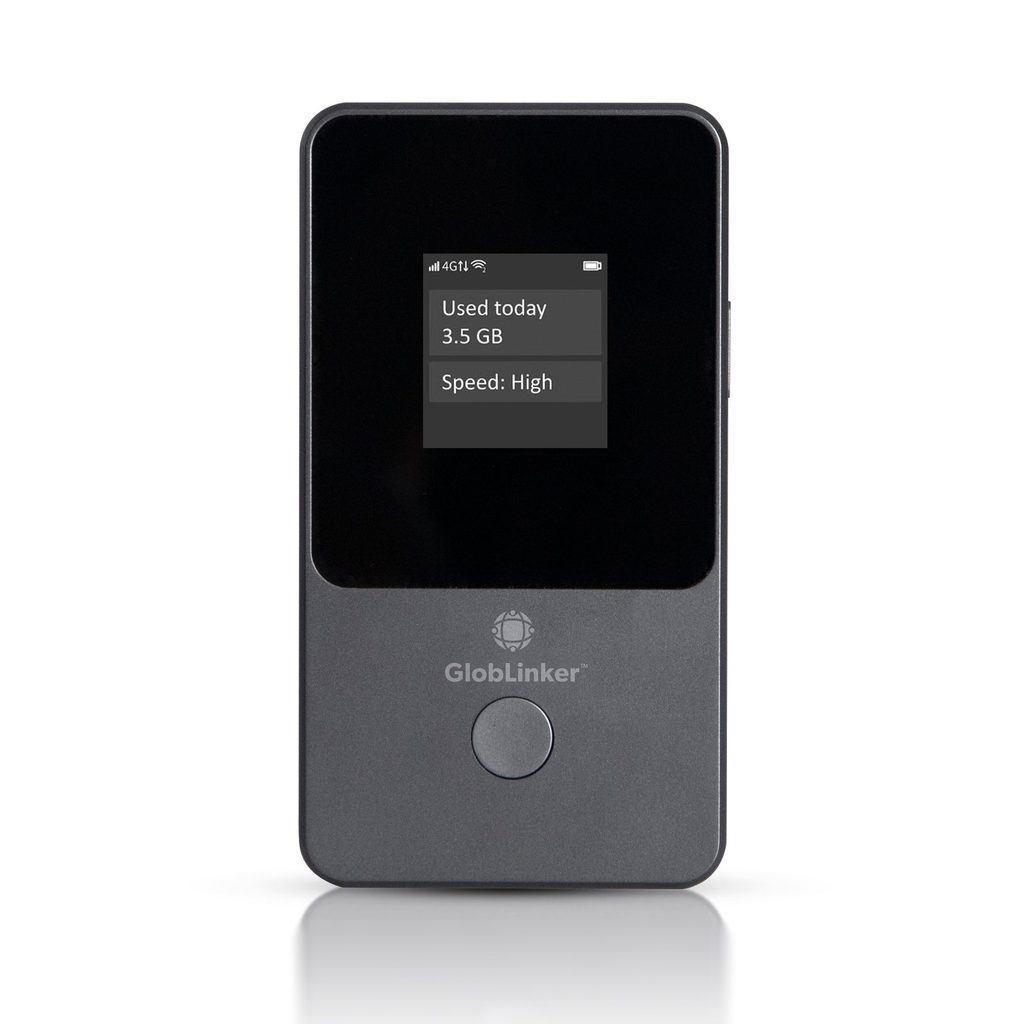
A user considering GLOBLINKER can list the devices that may need to connect at the same time, such as a laptop, phone and tablet. The hotspot is designed for multiple devices, which can be useful when the phone itself needs to remain available for calls, navigation and photography. The number of connected devices still affects total data use, so convenience should be matched with realistic planning.
Essential files should also be available offline. A connection can fail because of poor local coverage, building materials, congestion or a power issue. Tickets, presentation slides, meeting notes and emergency contact details should not exist only in the cloud when they are needed at a fixed time. Backup internet is strongest when it is paired with backup access to information.
Plan Data Around Work Habits Rather Than Guesswork
Data planning should begin with ordinary activity. Video calls consume more than text messaging, and automatic operating system updates can use a large allowance without obvious benefit during travel. Cloud photo uploads and file synchronisation should be reviewed before departure so they do not run unnoticed through a limited mobile plan.
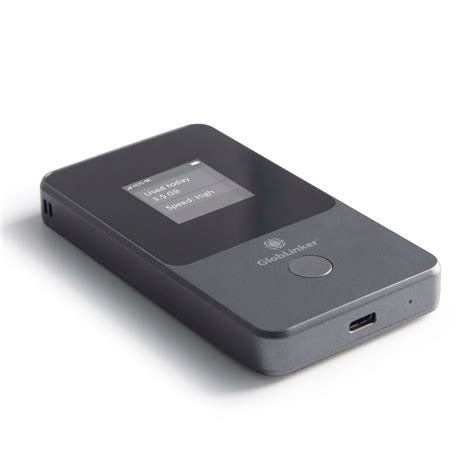
The prepaid structure associated with GLOBLINKER can suit someone who wants optional data rather than another permanent contract. The user should still check destination coverage, plan duration and account settings before relying on the device for essential work. A hotspot can connect only where suitable mobile network service exists, so remote or indoor locations may still create limitations. Before an important trip, the user can test login details, device pairing and the management interface at home. Familiarity matters when a connection needs to be restored quickly between meetings. A short written note of network name, password and support details can prevent avoidable delays if another trusted person needs to use the device.
Battery planning matters just as much as data. The hotspot, phone and laptop may all need power on the same travel day. Cables should remain accessible, and a suitable power bank can provide extra flexibility when transport rules permit. Devices should not be left in hot cars or direct sun because excessive heat can affect batteries and electronics.
Checks for a More Reliable Connectivity Plan
- Destination coverage should be checked before the hotspot becomes the only plan for an important work session.
- Automatic backups, updates and large downloads should be limited when mobile data needs to last.
- A GLOBLINKER connection should use a strong password and be shared only with trusted devices.
- Critical documents should be stored offline in case mobile service becomes unavailable.
- The hotspot, charging cable and any permitted power bank should stay together in accessible hand luggage.
Use the Hotspot as One Layer of a Resilient Setup
A good remote-work setup rarely depends on one technology. The primary connection may be hotel or home broadband, the portable hotspot can serve as an alternative and the phone can remain a final fallback. Separating those roles prevents one failure from affecting every device at once. It also makes troubleshooting easier because the user can identify whether the problem comes from the network, the hotspot or the individual laptop.
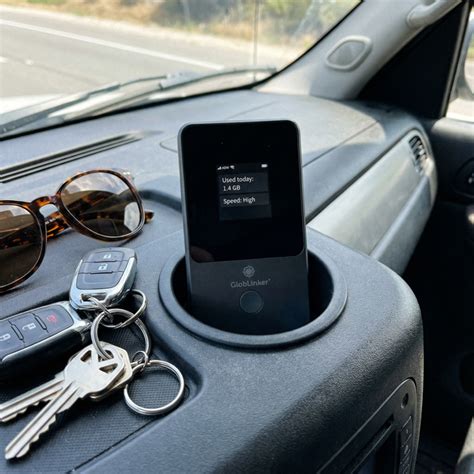
Security should follow the same layered approach. A private hotspot can reduce dependence on open public Wi-Fi, but employer rules may still require an approved virtual private network, device encryption or other controls. Someone using the hotspot for work should follow company security requirements rather than assuming that a personal network removes every risk. Default passwords should be changed when possible and unfamiliar connected devices should be removed.
A backup internet plan is successful when it reduces disruption without creating another complicated system to manage. GLOBLINKER can provide a portable shared connection across travel and temporary work settings, but realistic data use, battery preparation and offline access remain essential. When those parts are planned together, the traveller is better prepared for weak hotel Wi-Fi, fixed broadband interruptions and the ordinary uncertainty of working away from a permanent desk.



Leave Your Comment