

An iPad can handle writing, meetings, reading and creative work more comfortably when the accessories are chosen as one system. A keyboard case, stand, pencil and screen protector can improve productivity, but only when they fit the exact model and do not interfere with one another. ESR Tech (UK) offers magnetic cases, keyboard cases, digital pencil bundles and screen protection, making compatibility the first decision rather than the last.
Choose the Working Position Before Choosing the Case
A tablet used mainly for reading needs different support from one used for long typing sessions. Someone who writes frequently may value a keyboard with stable viewing angles and a firm base. A user who draws or marks documents may want a case that moves quickly into a lower writing position. The hinge and stand should support the positions used most often rather than offering many angles that are rarely needed.
The range at ESR Tech (UK) includes magnetic keyboard cases, detachable keyboard formats and cases intended to transform between positions. The buyer should compare those designs against the actual desk, lap and travel environments where the iPad will be used. Weight matters because a keyboard case can make a tablet feel closer to a small laptop in a shoulder bag.
Model identification is essential. iPad Air, iPad Pro and standard iPad models can look similar while using different dimensions, camera layouts and accessory connections. The exact model should be confirmed in settings before purchase.
Build Screen and Pencil Choices Around the Main Task
A clear glass protector can prioritize visual clarity, while a paper-feel surface can change the experience for handwriting and drawing. The user should decide whether display sharpness, texture or impact protection matters most. Stacking incompatible protectors can affect touch response or case fit.
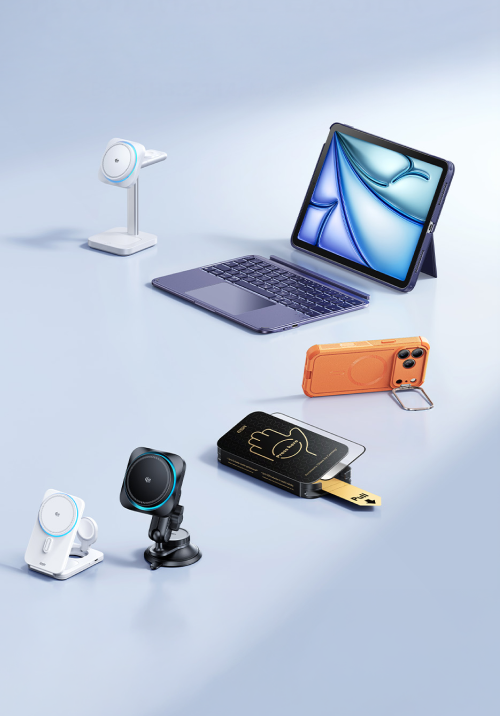
Digital pencils also need a storage plan. A case with a pencil holder can reduce the chance of leaving the stylus behind. Magnetic attachment may be convenient, but the user should confirm whether charging and pairing work as expected with the selected case. Someone building a setup through ESR Tech (UK) should test the complete combination instead of evaluating the pencil, case and protector independently.
Keyboard shortcuts can make the iPad feel more efficient, but the user should learn a small set tied to real tasks. A complicated accessory setup does not improve productivity if basic navigation remains slower than touch.
Checks for a Compatible Mobile Workstation
- Every accessory should match the exact iPad generation, size and camera layout.
- A buyer can review ESR Tech (UK) bundles when a keyboard, case, pencil and screen protector need to work together.
- The stand should remain stable at the angles used for typing, video calls and handwriting.
- Charging ports, speakers and buttons should remain accessible after the case is fitted.
- The combined weight should still suit the way the tablet is carried between locations.
Prepare the Setup for Travel and Shared Workspaces
A mobile workstation needs fewer loose parts. Charging cables, adapters and the pencil can be kept in one small pouch so they do not move around the bag. The case should close securely and protect the screen from keys or hard accessories. A keyboard should not press directly against a delicate screen surface unless the design accounts for that contact.
Battery planning should include both the iPad and any accessory that requires separate charging. A portable power bank may be useful, but it must comply with transport rules and use suitable cables. The user should download important files before travel because a productive setup still depends on connectivity when documents live only in the cloud.
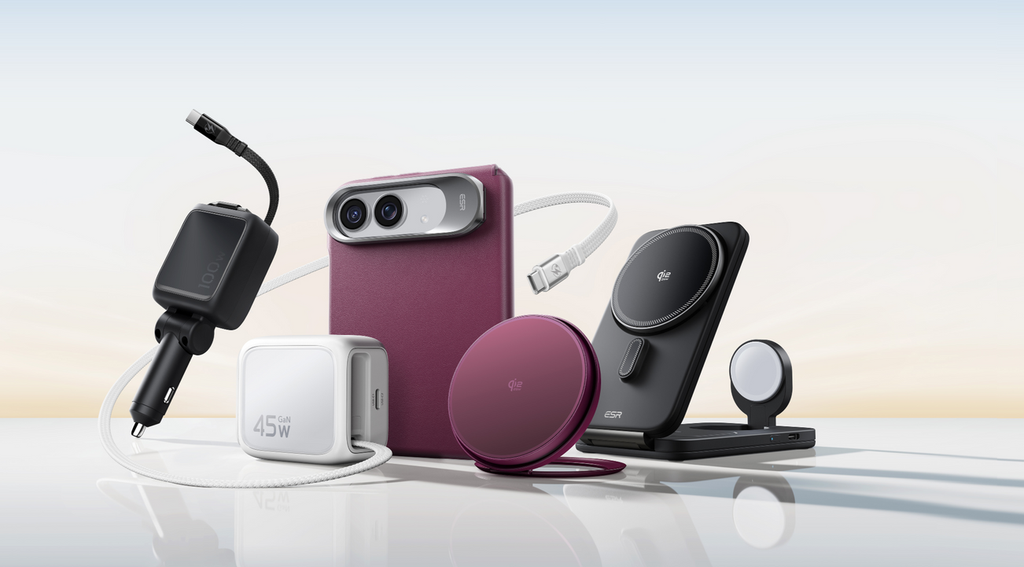
The best tablet workstation is the one that disappears into the routine. It opens quickly, supports comfortable posture and protects the device without creating a collection of separate pieces. By selecting ESR Tech (UK) accessories around compatibility and the main working positions, an iPad owner can create a more capable mobile setup while preserving the portability that made the tablet useful in the first place.
Ergonomics still matter with portable devices. Long typing sessions may be more comfortable at a desk with the screen raised, while short mobile sessions can tolerate a simpler setup. The user should change posture and position rather than expecting one compact accessory arrangement to solve every ergonomic need.
The user should also review software habits alongside the physical accessories. A keyboard is more valuable when files are organized, cloud access is reliable and commonly used apps support efficient shortcuts. Video calls may need a stable landscape angle, while reading and annotation may work better with the keyboard removed. The workstation should therefore be easy to change rather than locked into one form. Cable management matters in shared spaces because loose charging leads can turn a compact setup into clutter. One suitable charger and a short cable may be enough for many sessions. When the user returns home, the same iPad can connect to a larger display or separate keyboard if the workflow requires it. A mobile accessory system works best when it extends the tablet rather than trying to imitate every feature of a permanent desk.



Leave Your Comment